October 17th, 2023
New
RSVP Tracking
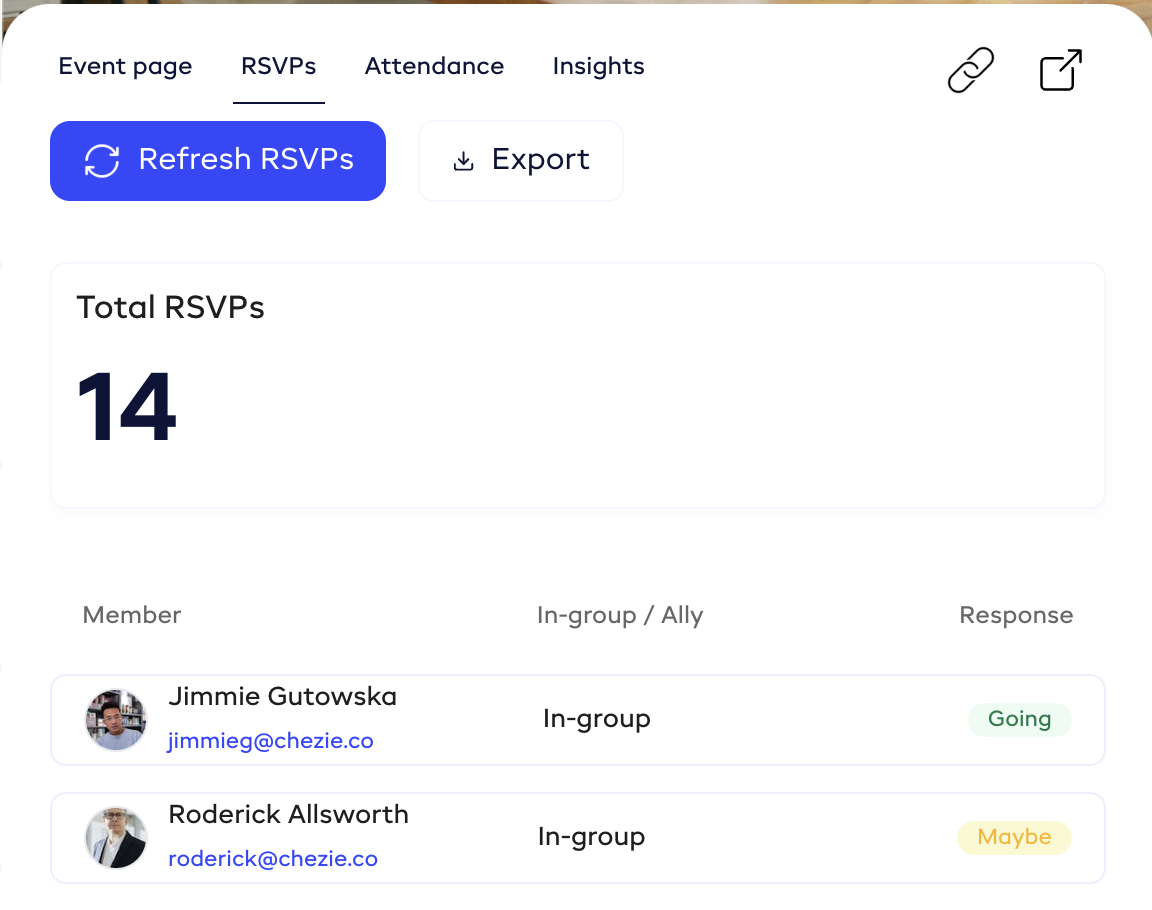
We're excited to introduce RSVP Tracking!
Now, you can easily track and export RSVPs for upcoming events straight from your Chezie account. Use this to quickly see how many people are planning on attending your event so you can see the impact on your ERG's budget or let your office management team know how many seats you'll need in the conference room.
How to use RSVP Tracking
Go to Admin view
Go to Events
Find the event you are looking for and click 'View'
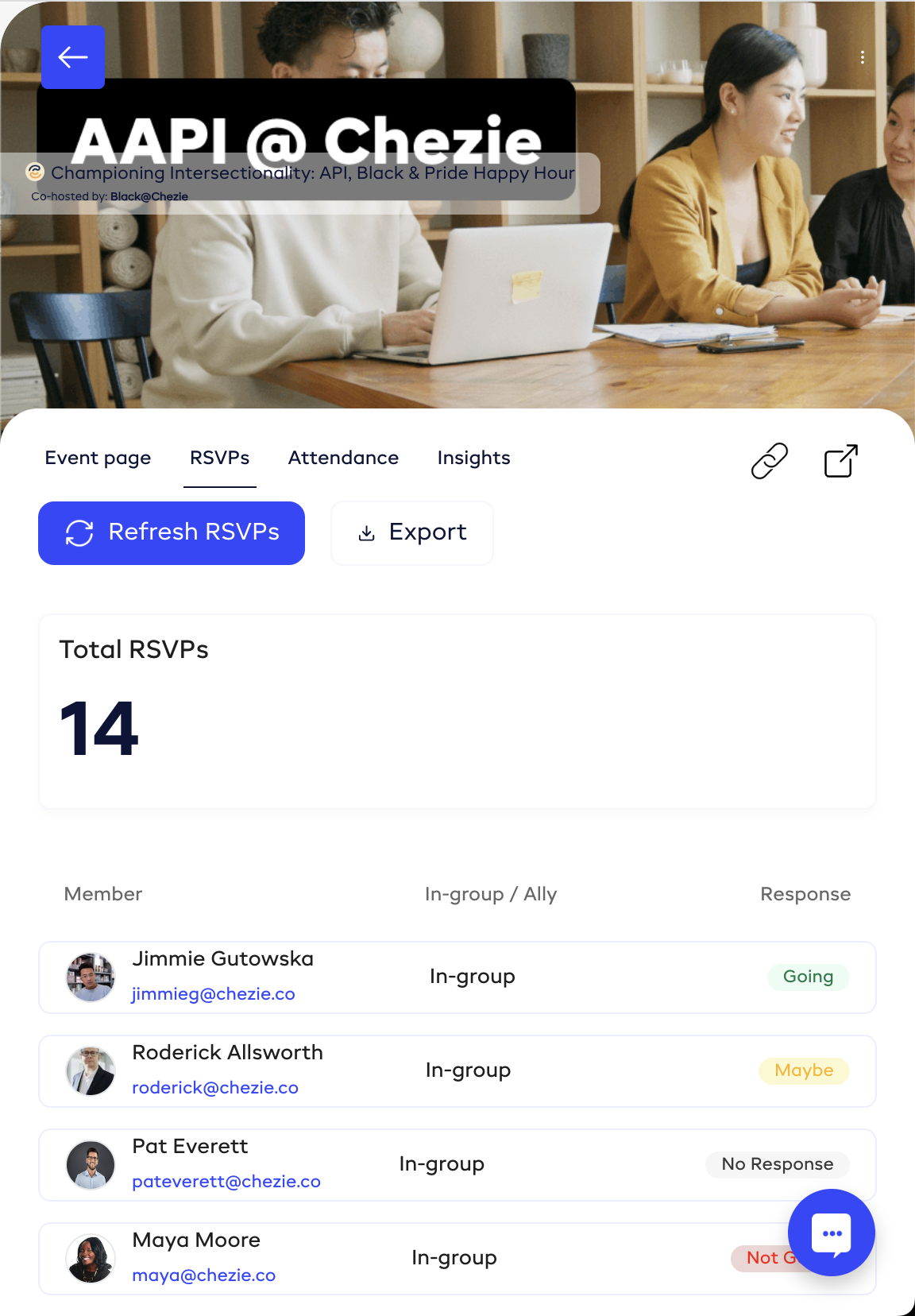
In the Event slide-out, click the RSVPs tab
Click the Refresh RSVPs button to refresh the count
Click the Export button to download a .csv file of your RSVPs.
Note: RSVP-tracking is only available for events created after October 4th, 2023. We apologize for any inconvenience this causes.
Write a comment...